
PRODUCT UPDATES · FEB 6, 2026 · 3 MIN READ
A patient-level adverse event history, and review at the encounter
Week 6, 2026: a patient-level adverse event history across encounters, and encounter review where clinicians accept, edit or add to AI suggestions.
Burna AI Team
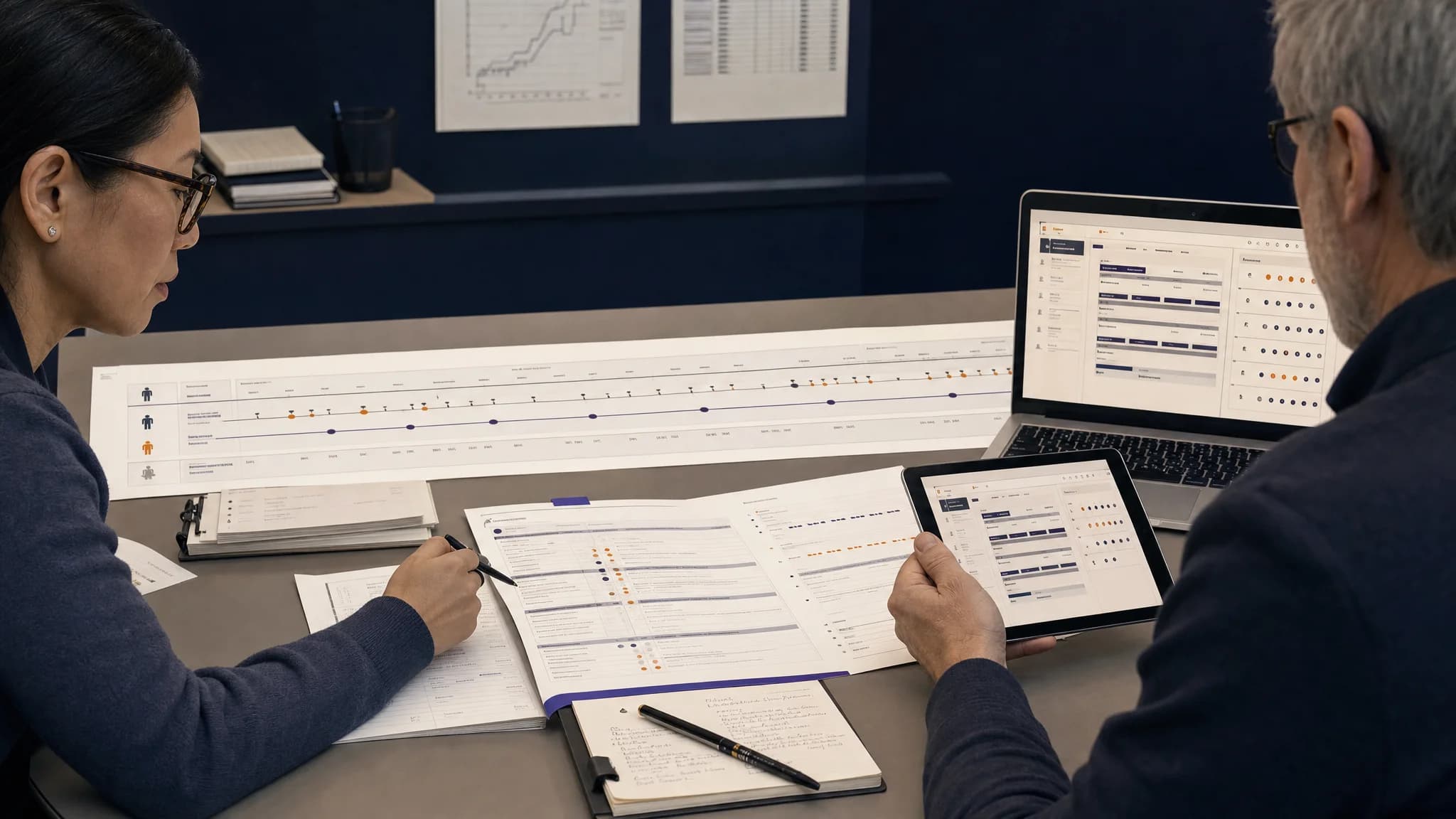
Week 6 of 2026 (February 2 to 8) gave every patient a patient-level adverse event history: one list that gathers graded events from across that patient's encounters, each linked back to the visit it came from. At the encounter itself, clinicians can now accept, edit or add to the AI's suggestions, and every decision is saved as a review. Ambient recording on the web, audio playback beside the note and one filter language shared by web and mobile complete the week for coordinators and investigators.
A patient-level adverse event history across encounters
Safety questions are asked about a patient's course, not about one visit. Until this week, answering "what has this patient experienced so far?" meant opening each encounter in turn.
The patient page now has an Adverse Events button. It opens one list of every graded adverse event across the patient's 100 most recent visits:
- Each row shows the date, the CTCAE grade, the review status and a link to the encounter where the event was graded.
- AI-graded events and clinician edits both appear.
- Deleted and archived visits are left out.
Whether an event is recurring, or climbing in grade from one visit to the next, is visible in one place, and the evidence behind each grade stays one click away in its encounter. From the encounters list, a patient's name now opens their details, so the path runs both ways.
Encounter review: accept, edit or add to AI suggestions
Clinicians reviewing an encounter can act on the AI's suggestions without leaving the encounter view:
| Action | What the clinician can do |
|---|---|
| Accept | Accept a suggested adverse event in one click, and accept each drug's attribution separately |
| Edit | Change the grade (1 to 5), the evidence lines, the rationale and the causality for each suspected drug |
| Add | Record an adverse event the AI did not surface, with its term, grade, evidence and rationale |
A rationale is required for every edit and every added event. Each action is saved as a review edit, and the visit's review status is recalculated from those edits, so the record shows what the AI suggested and what the clinician decided. AI suggests, clinicians decide. For how grades themselves are produced, see how Burna AI grades CTCAE.
Since then: review status had three values at the time: pending review, accepted and rejected. The rejected value was removed on June 9, 2026, and review status is now pending review or accepted.
Ambient recording on the web
The web app can now record an encounter directly. A clinician starts, pauses, resumes and submits the recording; voice activity detection runs in the browser; and on submission the app moves to the encounter and starts grading.
If voice activity detection fails to start, the recorder now says so and offers two ways forward: retry, or return to typing the note. The voice detection library was also upgraded for stability.
Recording is one of the input modes Burna AI supports, alongside a pasted or uploaded note.
Audio playback and a running adverse event table in each encounter
- Encounter audio plays from the clinical note panel through signed links that expire: one hour for playback, 15 minutes for a download.
- A cumulative adverse event table in the encounter shows both the saved review edits and the grading output, with expandable rows for term, grade, attribution status and review status.
- A Recent Encounters panel lists the patient's last 30 other encounters, paged and filterable by status.
- Accessibility attributes on the audio player's speed controls were restored.
One filter language for web and mobile
Web and mobile used to keep separate copies of the adverse event types and the review filters, and "pending review" on a phone could return a different set from "pending review" on a desktop. Both now import one set of shared types and send the same review-status filter to the server, which calculates each visit's status once and returns it with the list. Opening a case on mobile now starts grading automatically, as it already did on the web.
Encounters with a patient attached
- A new encounter flow includes patient search and assignment, reused on the patient page, the encounters list and the patient details drawer.
- A shared patient header shows the patient's name, MRN, date of birth and most recent patient-reported outcome.
- Patient assignment moved into reusable components, removing about 200 lines of duplicated interface code.
Smaller changes and fixes
- Colors across more than 300 files moved to design tokens, for consistent light and dark modes.
- Deprecated code removed, including an old memories module, duplicate workflow dialogs and demo components.
- A new home page and new mission, FAQ, policy and terms pages for the public website. Since then: the public website was rebuilt in August 2026.
- Fixed: links that pointed to
/encounter/instead of/encounters/. - Fixed: an invalid size setting on the select control in the edit dialog.
Since then
- The web app described here was retired in July 2026, and the platform now runs at app.burna.ai (what Burna AI does today).
- The mobile provider app is now called CTCAE by Burna AI.
To see a patient's adverse event history and an encounter review on your own workflow, book a 15-minute conversation.