
PRODUCT UPDATES · MAR 6, 2026 · 3 MIN READ
EHR patient import for clinical trials, and grade 3 reports raise an alert
Week 10, 2026: demographics import from a connected EHR, grade 3 patient self-reports alert the provider, and a failed workflow retries where it stopped.
Burna AI Team
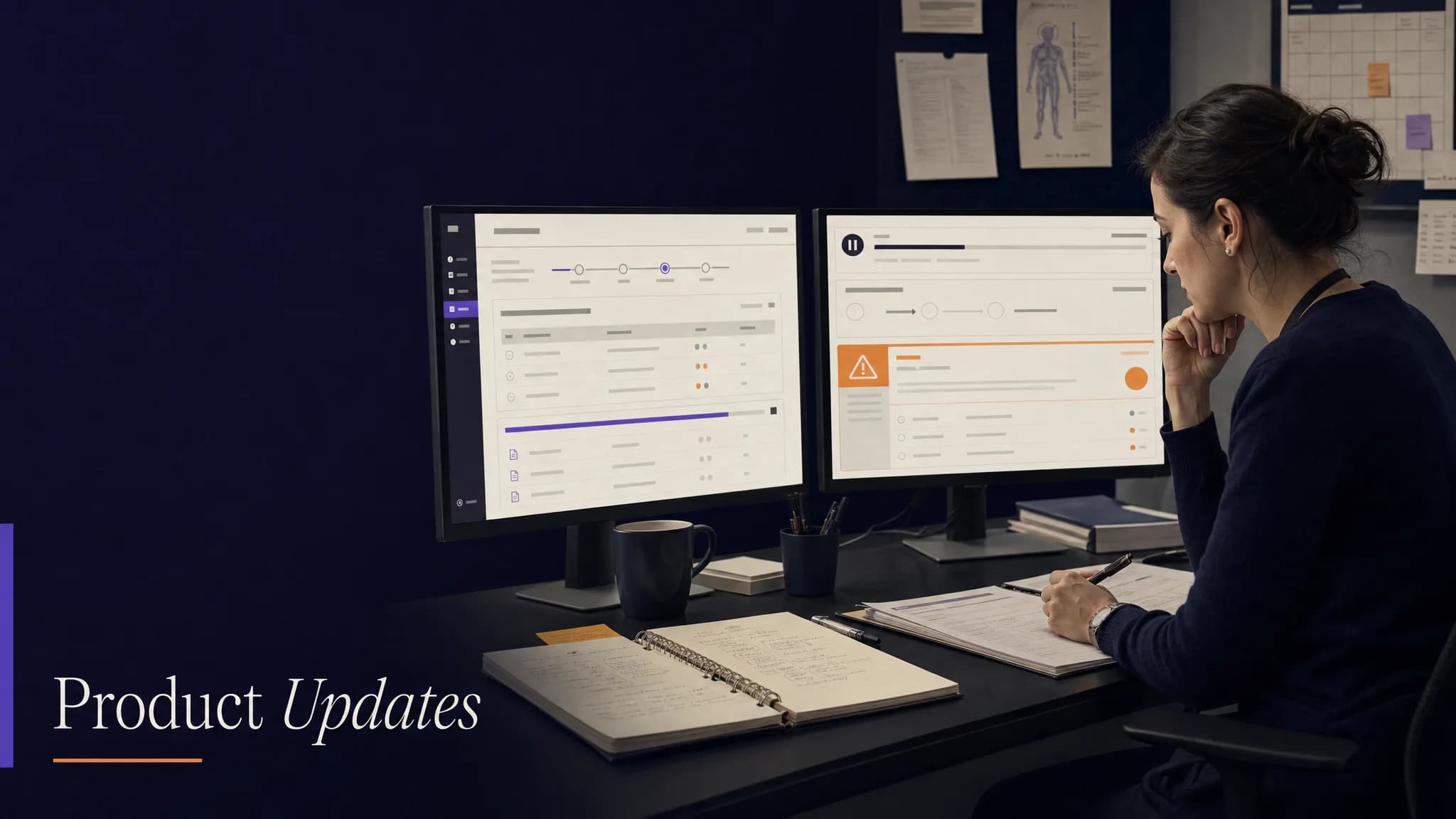
In week 10 of 2026 (March 2 to 8), EHR patient import reached clinical trial sites: a coordinator brings a patient's demographics in from a connected EHR instead of retyping them, either by launching from inside the EHR or by searching it from the platform. When a patient's self-report between visits is graded at grade 3 or higher, the provider who issued that patient's enrollment token now receives an alert with an action deadline. And a workflow interrupted by a network failure can be retried at the step that failed, without grading the note again.
EHR patient import for clinical trial sites
The EHR holds the source record for patient demographics, and retyping them into a second system is where errors start. Import now works from either direction:
- Launch from inside the EHR. When the platform opens through a SMART launch with a patient in context, that patient is found or created and attached to the session's visit automatically.
- Search from the platform. A coordinator searches a connected EHR by first and last name, narrowing by date of birth, gender or patient ID, then imports the match.
What the import brings across from the FHIR Patient resource:
| Field | Source in the EHR record |
|---|---|
| First and last name | Patient name |
| Gender and date of birth | Patient gender and birth date |
| MRN | The identifier typed as a medical record number, otherwise the official or first identifier |
| Email and phone | Contact details, when the EHR holds them |
The import matches on the EHR's own patient identifier, so importing the same patient a second time updates the existing profile instead of creating a duplicate. Once a patient is imported, the profile says so, and only email and phone can be edited; everything else stays as the EHR supplied it. A fix the same week corrected when the SMART launch control is enabled.
For both modes in brief, see how Burna AI imports patient records.
Grade 3 adverse event alerts from patient self-reports
Patients report symptoms between visits, and the platform proposed a CTCAE grade for each report. A high-grade report now reaches a person: when a report is graded at grade 3 or higher, or the symptom is getting worse, the provider who issued the patient's enrollment token receives a high-priority, action-required notification that names the grade and links to the submission:
| Graded self-report | Action deadline |
|---|---|
| Grade 3 | 24 hours |
| Grade 4 or higher | 4 hours |
In CTCAE, grade 3 is severe or medically significant but not immediately life-threatening, and grade 4 is life-threatening with urgent intervention indicated. When the report is triaged as urgent or emergency, the notification says so in its message. The deadline exists because an alert only helps if someone acts on it in time, and the clinician decides what the report means.
The current behavior is described in how a high-grade patient report reaches the provider.
Since then (August 2026): the patient reporting surface that sends these reports is Healthnotes, the participant app sponsors deploy through sites.
Workflow resumption: retry the step that failed
Grading a note runs the CTCAE grading workflow first, then attribution and clinical decision workflows on its result. Until this week, if one of those follow-on workflows failed to start or broke off because of a dropped connection, the coordinator went back to the clinical note and started again from the top.
Now the error card carries a Retry Workflow control. It resumes that workflow on its existing run record, using the grades already produced, so nothing is graded twice. The grading workflow also cancels any attribution or clinical decision workflow still running when it starts, so those only ever run after grading completes. The capture screen's controls also treat starting the visit and grading as separate states.
Since then (March 9, 2026): the clinical decision workflow was renamed the drug interaction workflow, which says what it does.
Check-in schedules and adverse event logs
- Patient check-in frequency gained biweekly, monthly and adaptive options, alongside daily, every other day and weekly
- An adverse event log can be generated as a PDF or CSV from a completed grading run, with totals for all graded events, grade 3 or higher, and serious adverse events
Since then: the platform produces the FDA MedWatch form, the IRB unanticipated problem report and the sponsor serious adverse event report from the graded record. In July 2026 the web provider app these screens lived in was retired in favor of app.burna.ai.
To see a patient imported and graded on your own EHR, book a 15-minute conversation.