
PRODUCT UPDATES · MAR 27, 2026 · 4 MIN READ
MedWatch report generation: FDA, IRB and sponsor SAE reports from graded events
Week 13, 2026: FDA MedWatch 3500A, IRB unanticipated problem and sponsor SAE reports from graded adverse events, plus visit titles and study sites.
Burna AI Team
What shipped in the week of March 23, 2026
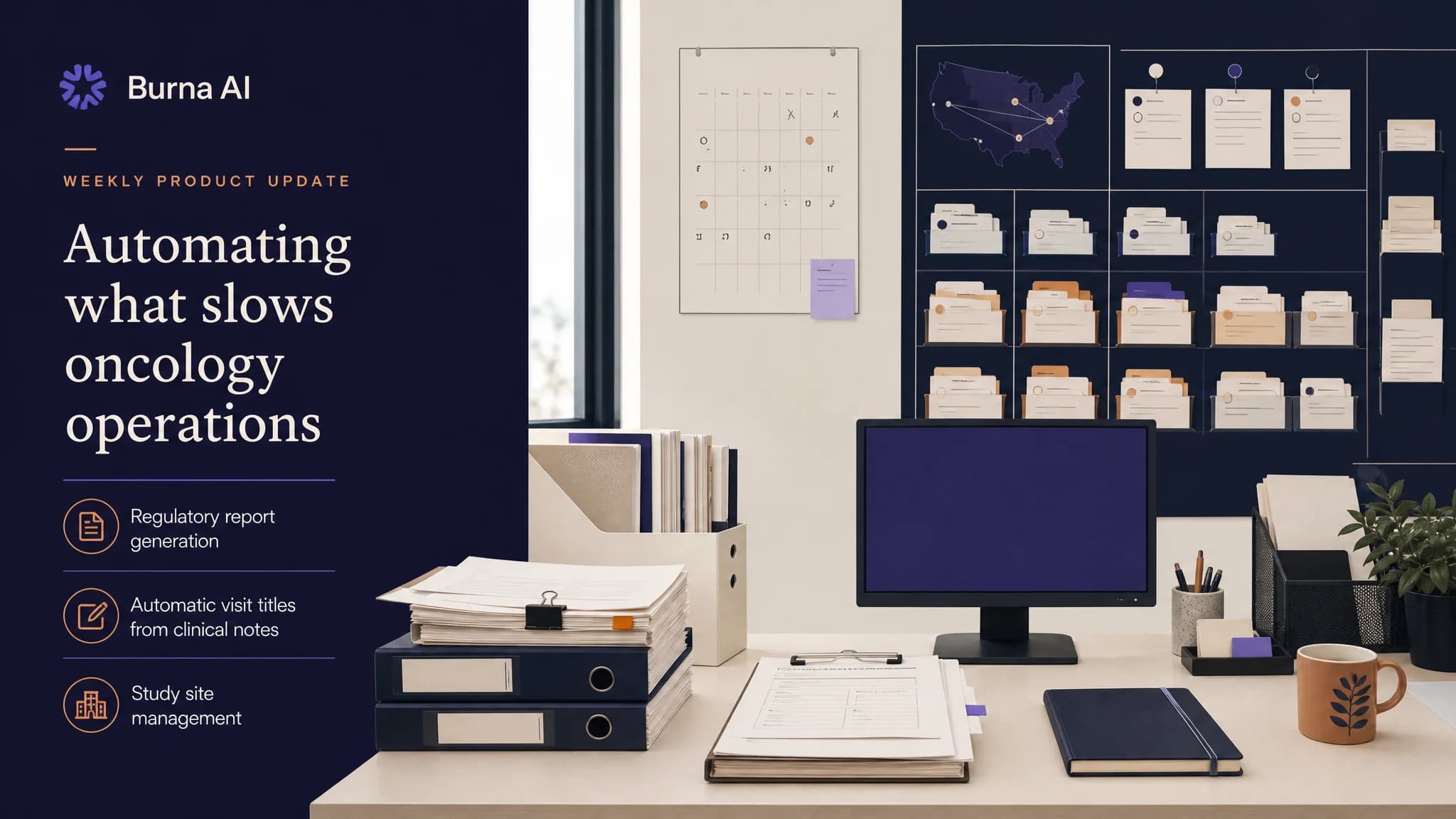
Burna AI added MedWatch report generation this week: a coordinator can produce an FDA MedWatch Form 3500A, an IRB unanticipated problem report and a sponsor serious adverse event (SAE) report from an adverse event the platform has already graded and attributed. Visits also began receiving titles and excerpts written from the clinical note, study sites became records an organization creates and manages, and grading and attribution history became exportable as CSV.
Research coordinators and investigators carry most of this paperwork, so they gain the most from it. The reports start from the graded record instead of a blank form.
MedWatch report generation from a graded adverse event
Three report types are available from the Reports tab of a graded visit. Each one answers to a different reader and a different rule.
| Report | Who receives it | Where the obligation comes from |
|---|---|---|
| FDA MedWatch Form 3500A | FDA, through the sponsor | 21 CFR 312.32 requires each IND safety report in a narrative format, on Form FDA 3500A, or in an electronic format FDA can process |
| IRB unanticipated problem report | The institutional review board | 21 CFR 56.108(b) requires an IRB to follow written procedures for prompt reporting of unanticipated problems involving risks to human subjects or others |
| Sponsor SAE report | The sponsor's safety desk | 21 CFR 312.64(b) requires the investigator to report any serious adverse event to the sponsor immediately, with an assessment of whether the drug caused it |
The timelines differ too. Under 21 CFR 312.32, a sponsor has 15 calendar days for an IND safety report and 7 calendar days for an unexpected fatal or life-threatening suspected adverse reaction. Our guide to IND safety reports under 21 CFR 312.32 walks through both clocks.
What each report draws on
Every report is built from four sources the platform already holds:
- The graded event: the CTCAE term and grade, with onset and outcome.
- The attribution: the WHO-UMC and Kramer causality assessment for each drug in the regimen.
- The protocol record: IND and IRB numbers, sponsor, sponsor safety desk and regimen, entered once on a new protocol admin page.
- The study site: the principal investigator, coordinator and site details described below.
What grading does not capture, the clinician adds in a supplemental section for each report, such as which seriousness criteria apply, and the required fields are checked before the report is built. Cascade flags, set from each event's grade and attribution, show which of the three reports it qualifies for, so one event can feed more than one submission. Each report downloads as a PDF.
The same change added an admin page for PRO enrollment tokens, the codes a site issues to enroll a participant in patient-reported outcome collection.
Serious is not the same as severe
A CTCAE grade measures how severe an event is. Seriousness is a regulatory definition based on outcome, such as death, a life-threatening event or hospitalization. A Grade 2 event can be serious and a Grade 3 event may not be, which is why the reports record seriousness criteria separately from the grade. Our explainer on how SAE status and CTCAE grade differ covers the distinction in full.
Visit titles and excerpts written from the clinical note
Every visit with a clinical note now receives a title and a short excerpt generated from the note. A lightweight workflow reads the note and returns both as structured output, and the visit record updates when the run completes.
- It runs in the background whenever a visit with a clinical note is created or updated.
- It skips visits that already have a title, so a title someone wrote by hand stays.
- It skips recording-type visits, which follow a separate documentation flow.
For a coordinator following dozens of patients across several protocols, the visit list now reads by clinical content rather than by timestamp.
Study site management for multi-site trials
Study sites are now records an organization creates and manages from a dedicated page. Each site holds:
- Name and site number
- Office and urgent phone numbers, office hours, address, parking and public transit details
- Coordinator name, email and availability
- Principal investigator name, title and institution
Sites are searchable, open in a side drawer for editing, and feed the IRB and sponsor reports above. The urgent phone number and visiting details are there so patient-facing trial information can show participants how to reach their site.
Since then: study sites appear as a tab on each clinical trial in app.burna.ai.
CSV export of grading and attribution history
The history export in Settings now produces CSV files for CTCAE grading history and for drug attribution and interaction logs. Each row is one workflow run, with its date, status, workflow name, inputs and outputs, ready for a spreadsheet or a statistics package. The same change added a Settings action to delete clinical documentation: it archives each record with a timestamp and writes the deletion to the visit log.
Smaller changes
- The AI workflow engine's document storage and vector search moved off a third-party backend and onto the platform's own database, with no change to how workflows run.
- Dark mode colors were corrected on CTCAE grade badges, the grades reference panel, sign-up and the integrations settings.
- The recording view's microphone permission handling and record button behavior were fixed.
Since then: the web features described here run in app.burna.ai, which replaced the original provider web app in July 2026, and regulatory report generation is listed on what Burna AI does today. The regulatory reports FAQ covers the three report types in brief.
To see a graded event become a MedWatch, IRB or sponsor SAE report, book a 15-minute conversation.